Business Analysis Meeting

We start with a business analysis meeting with the project manager to align on the business need, user expectations and what the web part should deliver.
From business analysis to deployment, this is how I build custom SPFx web parts on the Juno Intranet product.
The steps below reflect a typical delivery flow.
We start with a business analysis meeting with the project manager to align on the business need, user expectations and what the web part should deliver.
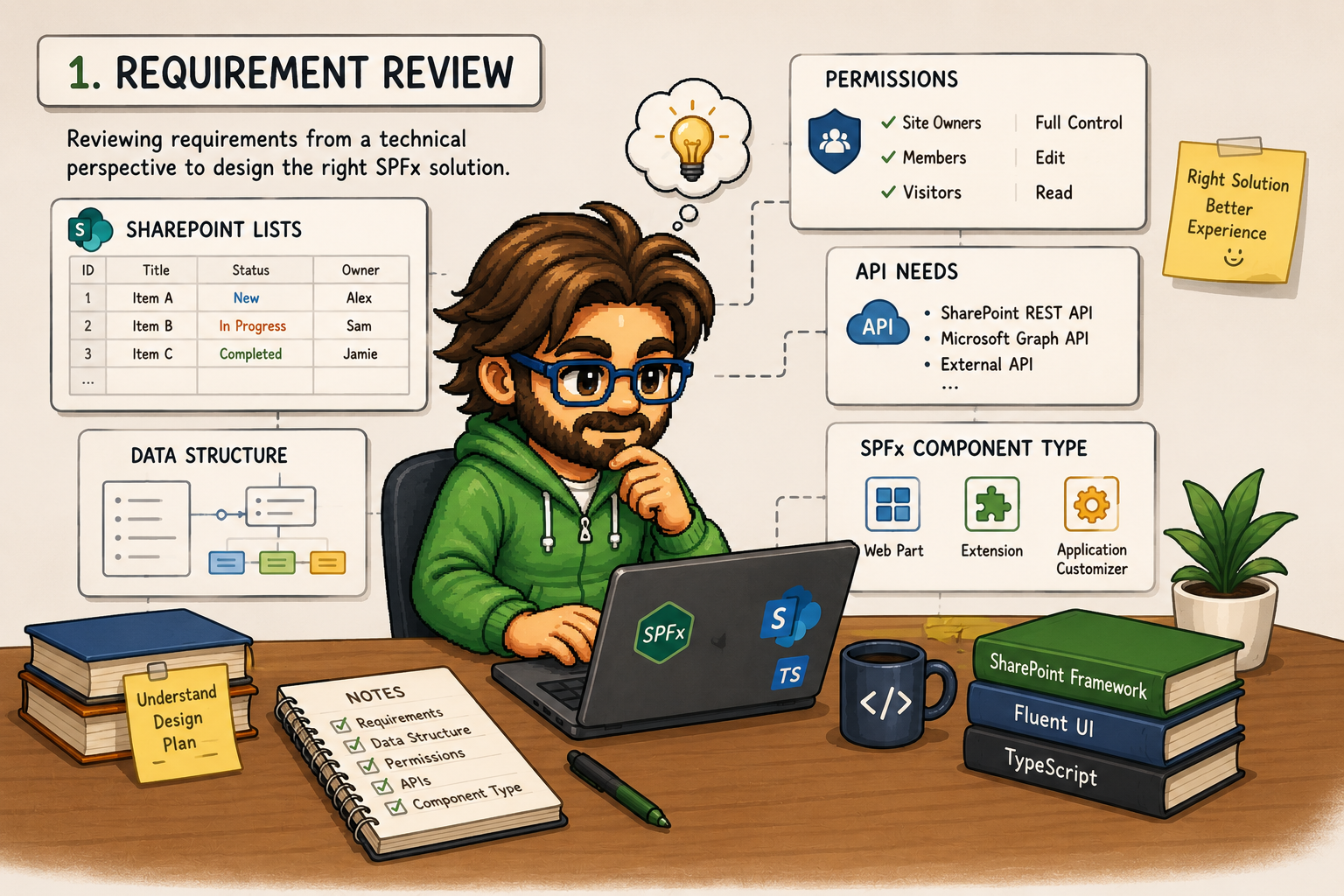
If more detail is needed, I do a technical review and outline the requirements. For simpler requests, the business analysis meeting is enough.

Based on the technical review, I provide an effort estimation for the web part. The estimation includes development, integration, testing, possible edge cases, review time and deployment preparation.
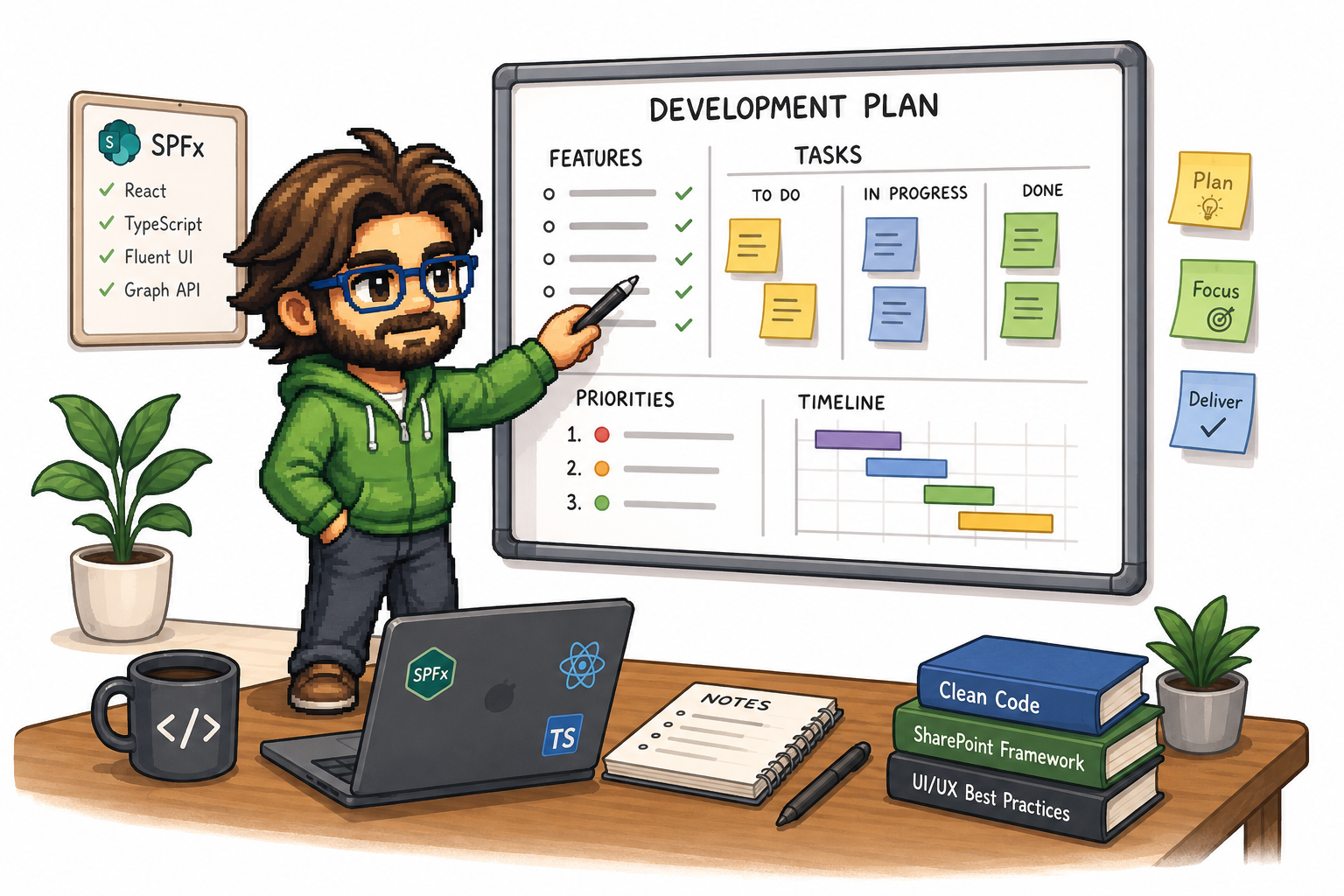
Once the effort is approved, I plan the web part development. If needed, I split the work into smaller tasks, define priorities, prepare the development branch and identify reusable components.
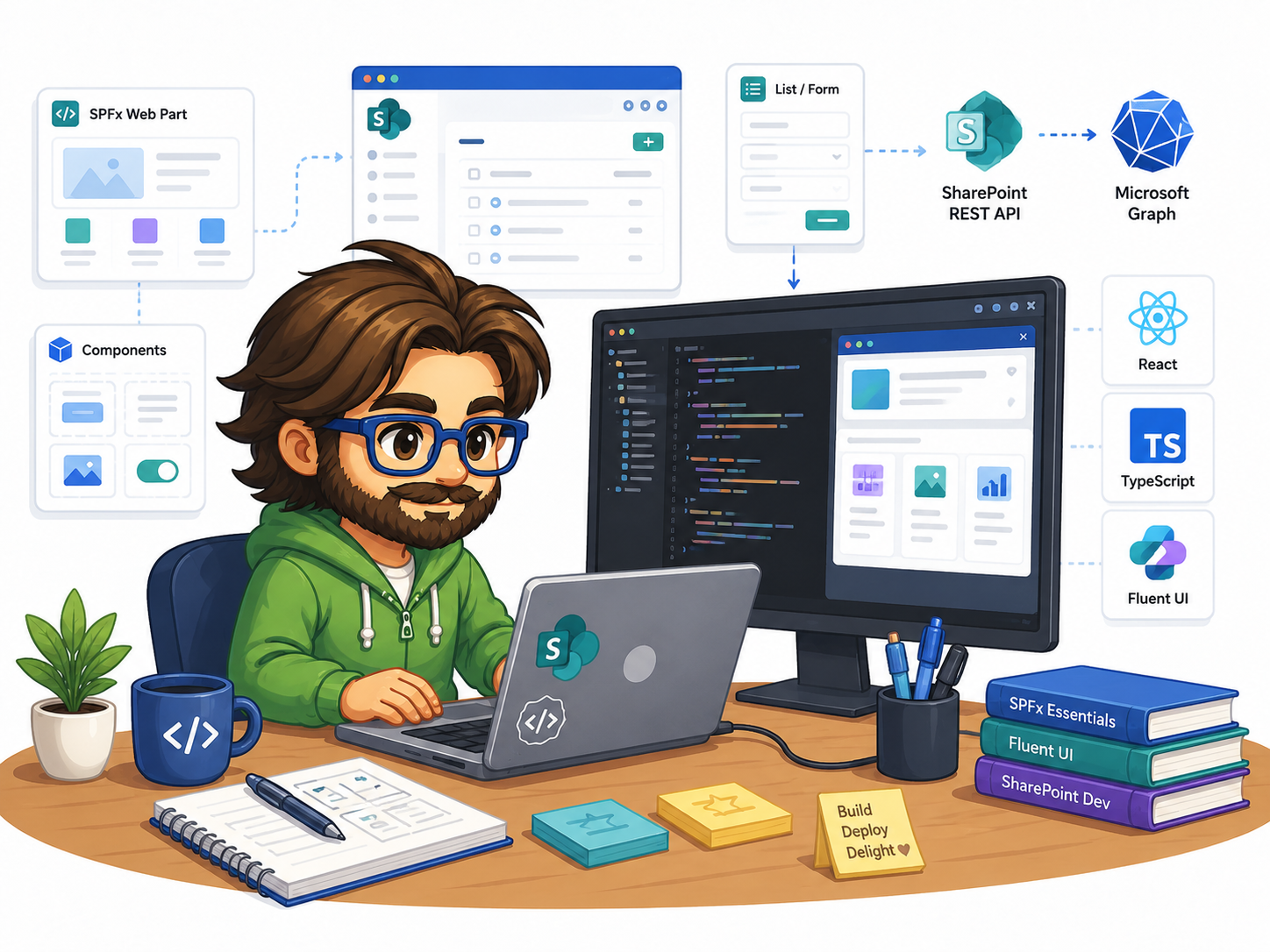
At this stage, the SPFx web part is built using technologies such as React, TypeScript, Fluent UI, SharePoint REST API or Microsoft Graph, depending on what the feature needs.

After development, I test the web part locally and on pages in the test environment. This includes UI checks, validations, permissions, different user roles, responsive behavior and edge cases.

After testing, the web part package is deployed to the tenant app catalog and rolled out to the relevant environments. Usually, it goes to test first and then to production after approval.
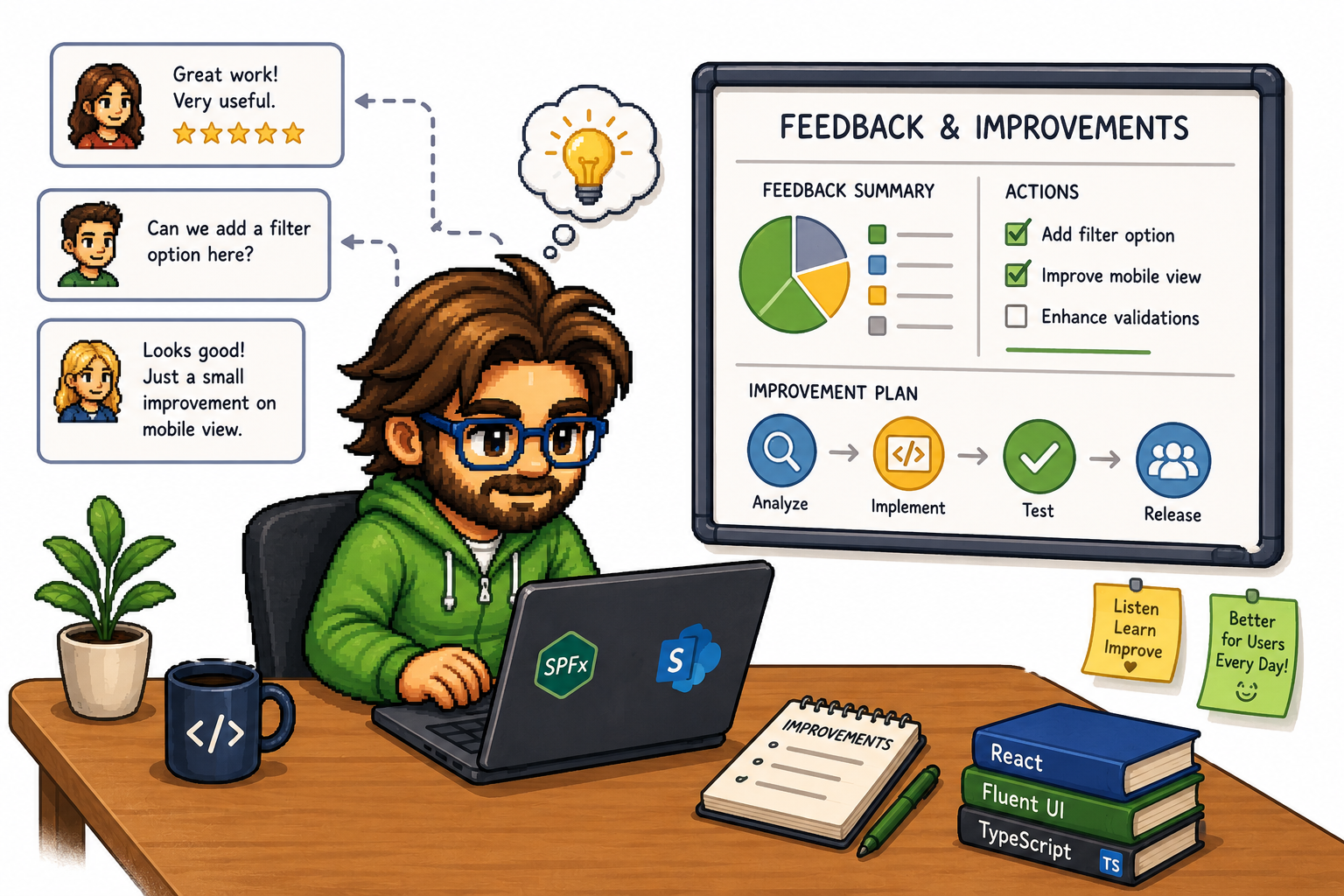
We take feedback from users of the completed work into account in our future development.