Home

My SPFx Development Process

From business analysis to deployment, this is how I build SPFx web parts that extend Juno Intranet.

Timeline

  1. Business Analysis Meeting

    Illustration of a business analysis meeting with project planning on a whiteboard

    The process starts with a business analysis meeting with the project manager. In this step, we clarify the business need for the web part, how it should fit into Juno Intranet, current SharePoint structure, user expectations, constraints and the expected outcome.

  2. Requirement Review

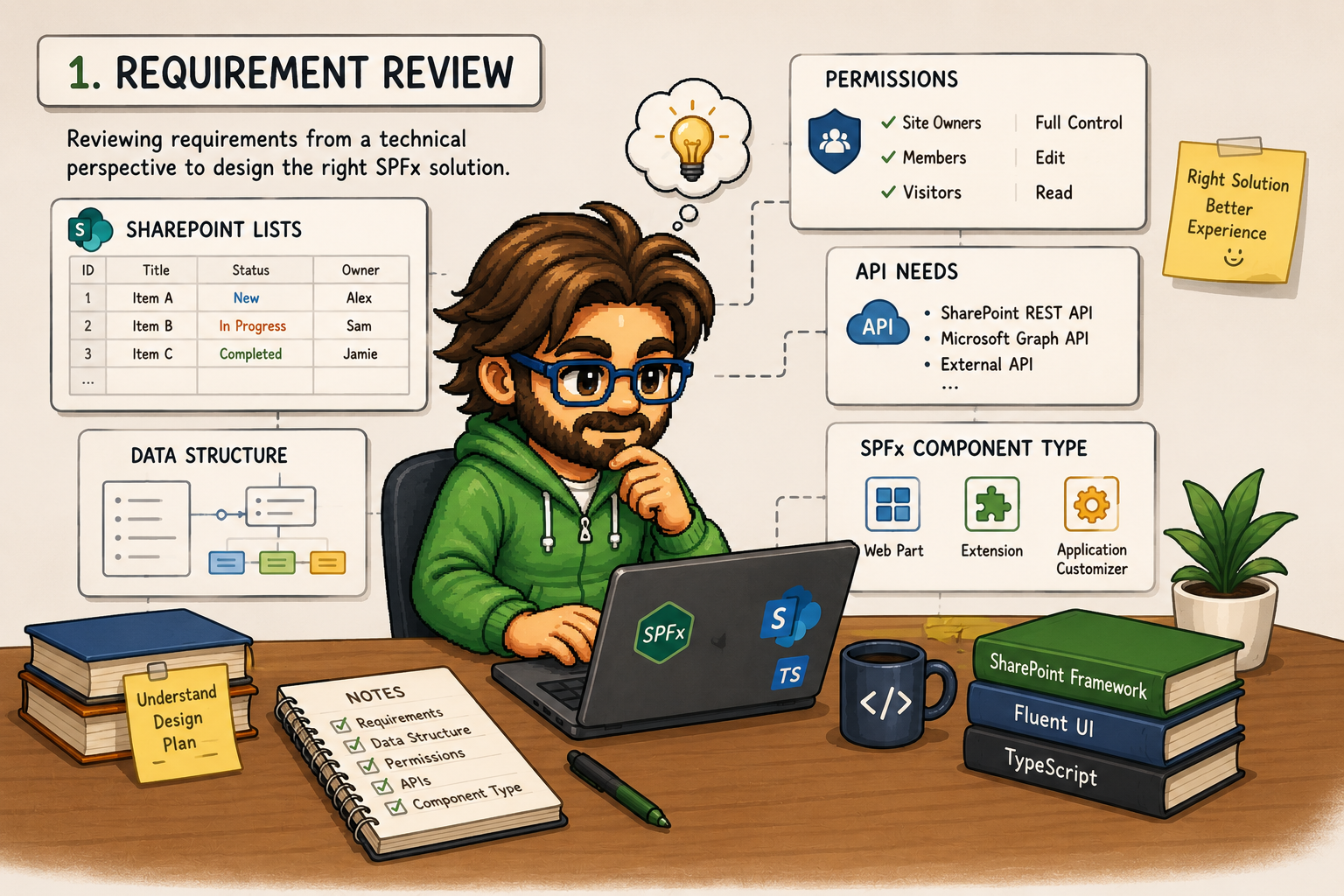
    Illustration of technical requirement review for SharePoint and SPFx

    After the initial meeting, I review the requirements from a technical perspective. This includes checking how the web part will integrate with Juno Intranet, SharePoint lists, permissions, existing data structure, possible API needs and choosing the right SPFx web part approach.

  3. Effort Estimation

    Illustration of effort estimation and project planning

    Based on the technical review, I provide an effort estimation for the web part. The estimation includes development, integration with Juno Intranet, testing, possible edge cases, review time and deployment preparation.

  4. Development Planning

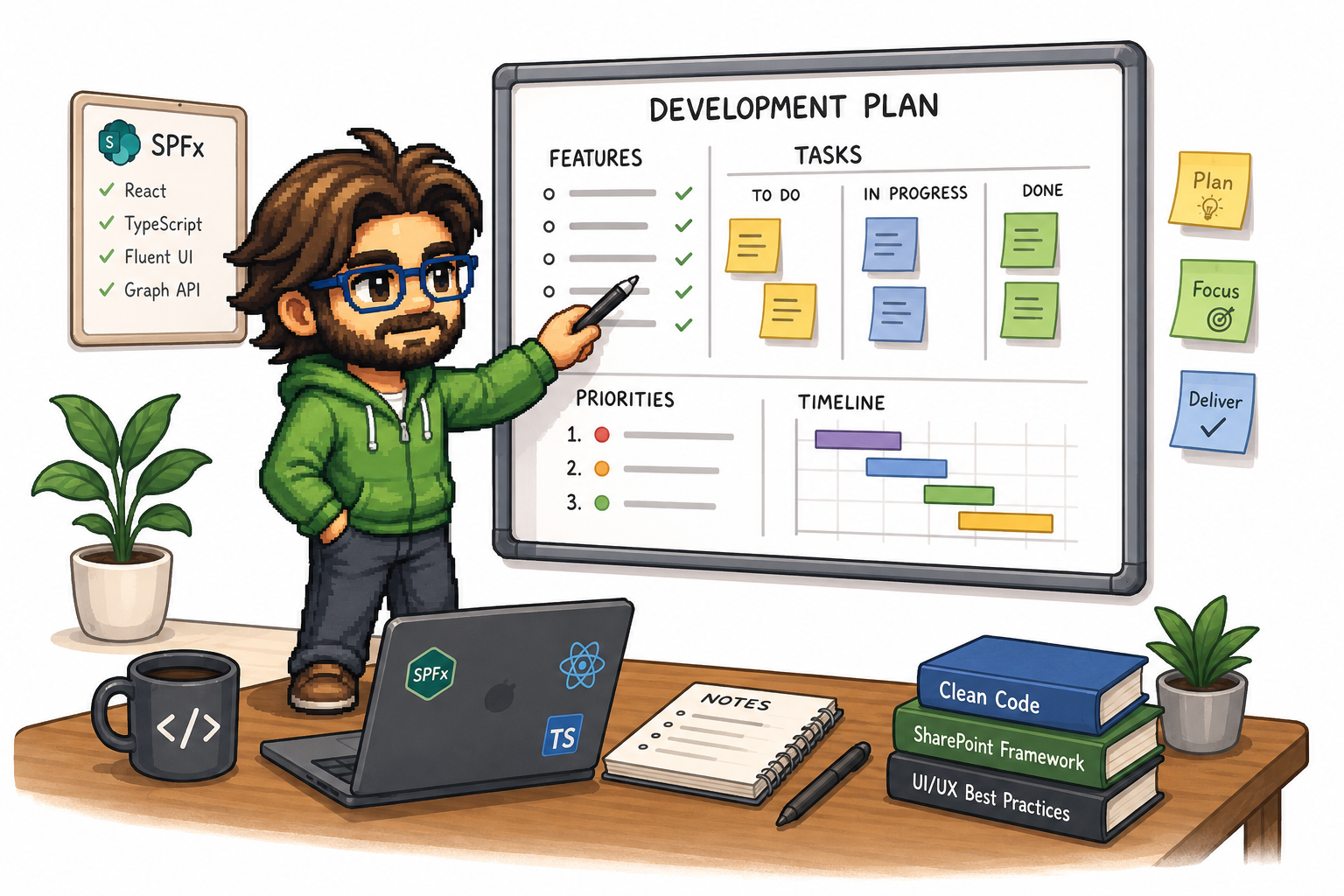
    Illustration of development planning with tasks, priorities and timeline on a whiteboard

    Once the effort is approved, I plan the web part development. If needed, I split the work into smaller tasks, define priorities, prepare the development branch and identify reusable pieces that fit Juno Intranet.

  5. SPFx Web Part Development

    Illustration of SPFx development with React, TypeScript and SharePoint Framework

    At this stage, the SPFx web part is built and wired into Juno Intranet using technologies such as React, TypeScript, Fluent UI, SharePoint REST API or Microsoft Graph, depending on what the feature needs.

  6. Testing & Review

    Illustration of testing and review of an SPFx solution

    After development, I test the web part locally and on Juno Intranet pages in the test environment. This includes UI checks, validations, permissions, different user roles, responsive behavior and edge cases within Juno Intranet.

  7. Deployment

    Illustration of packaging and deploying an SPFx solution

    After testing, the web part package is deployed to the tenant app catalog and rolled out to the relevant Juno Intranet environments. Usually, it goes to test first and then to production after approval.

  8. Feedback & Improvements

    Illustration of gathering feedback and making improvements

    Based on feedback from Juno Intranet users or the project manager, I refine the web part so it works reliably in day-to-day use on real pages and scenarios.

Tech Stack

  • SPFx
  • React
  • TypeScript
  • Fluent UI
  • SharePoint REST API
  • Microsoft Graph
  • PnPjs
  • SCSS / CSS Modules
  • Cursor